McLeod Software had spent decades building powerful enterprise tools without a single dedicated designer on staff. UI decisions lived with developers and product owners — people who knew the product deeply but were never meant to carry design alone. I was hired to change that, bringing structure, intentionality, and user-centered thinking to workflows that had grown organically for years.
"The unspoken design philosophy was simple: if it works, it's fine."
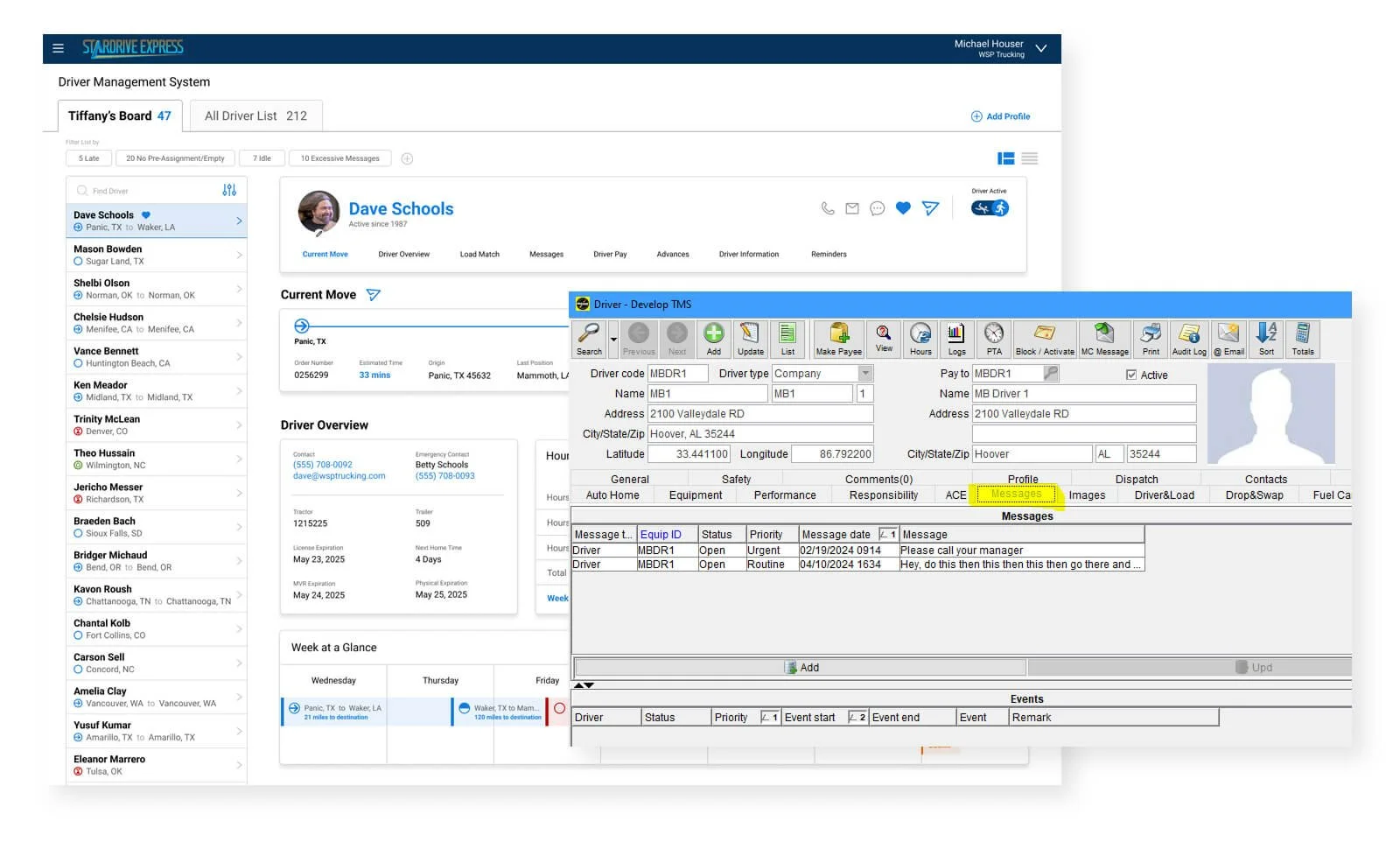
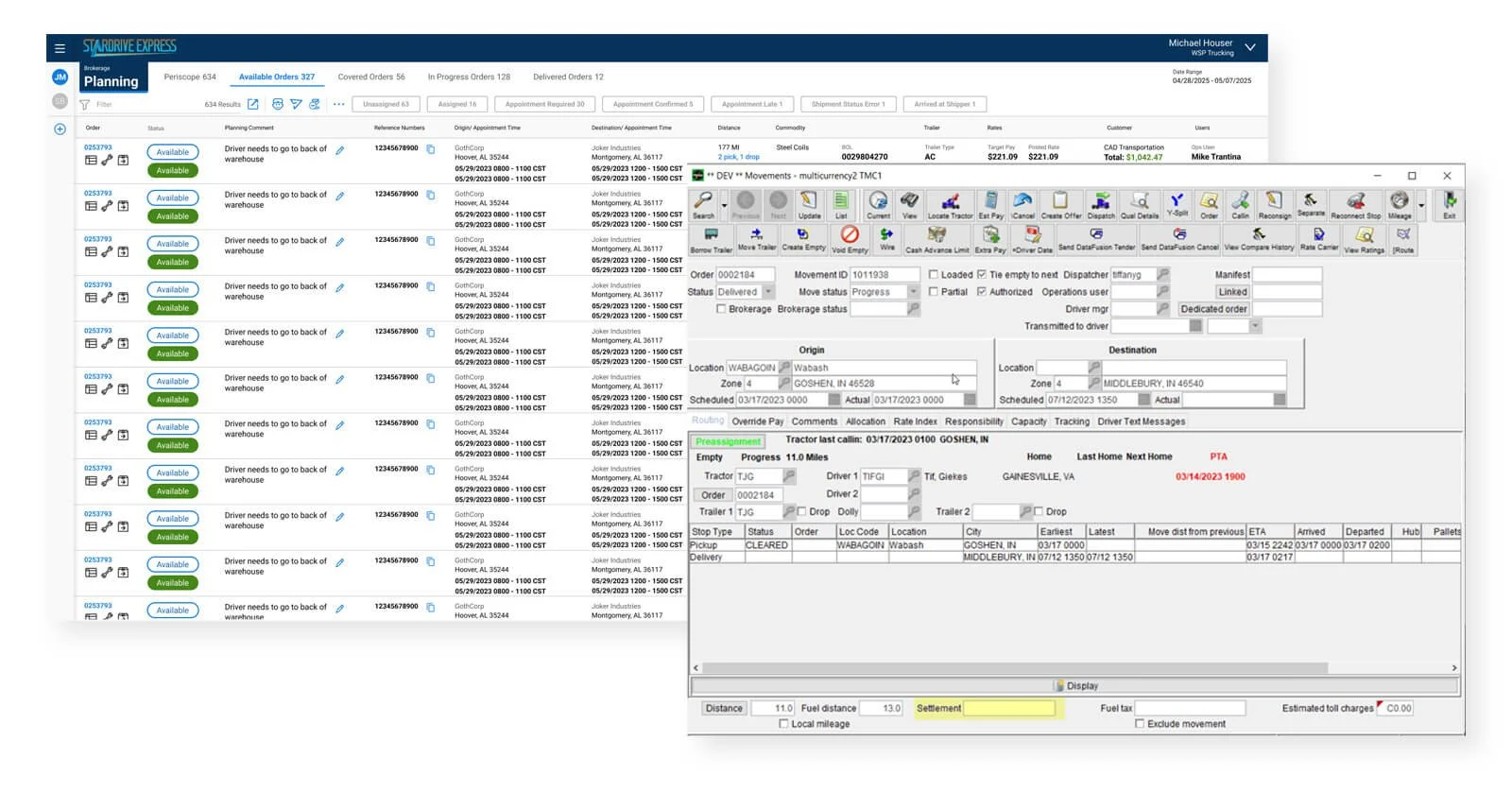
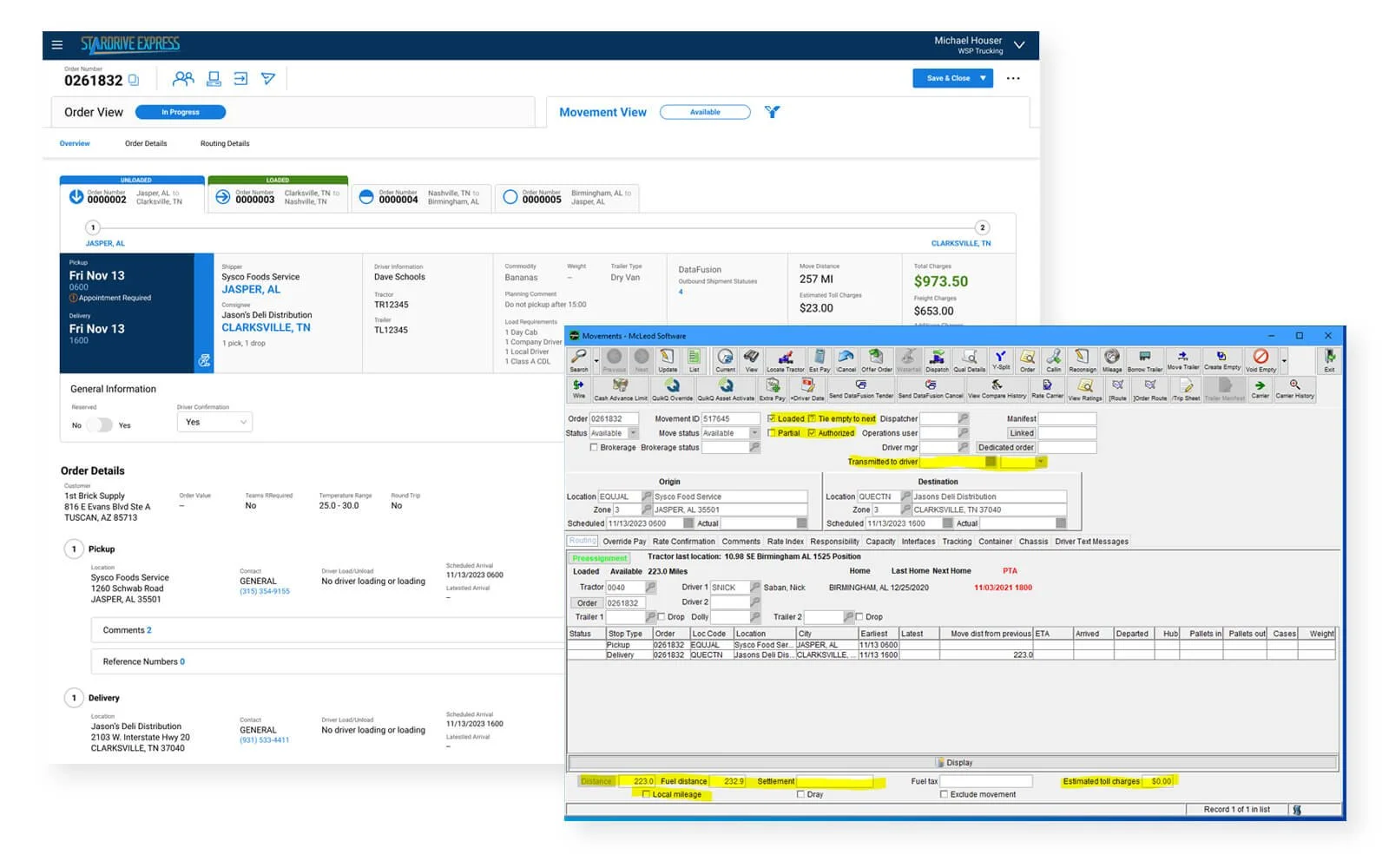
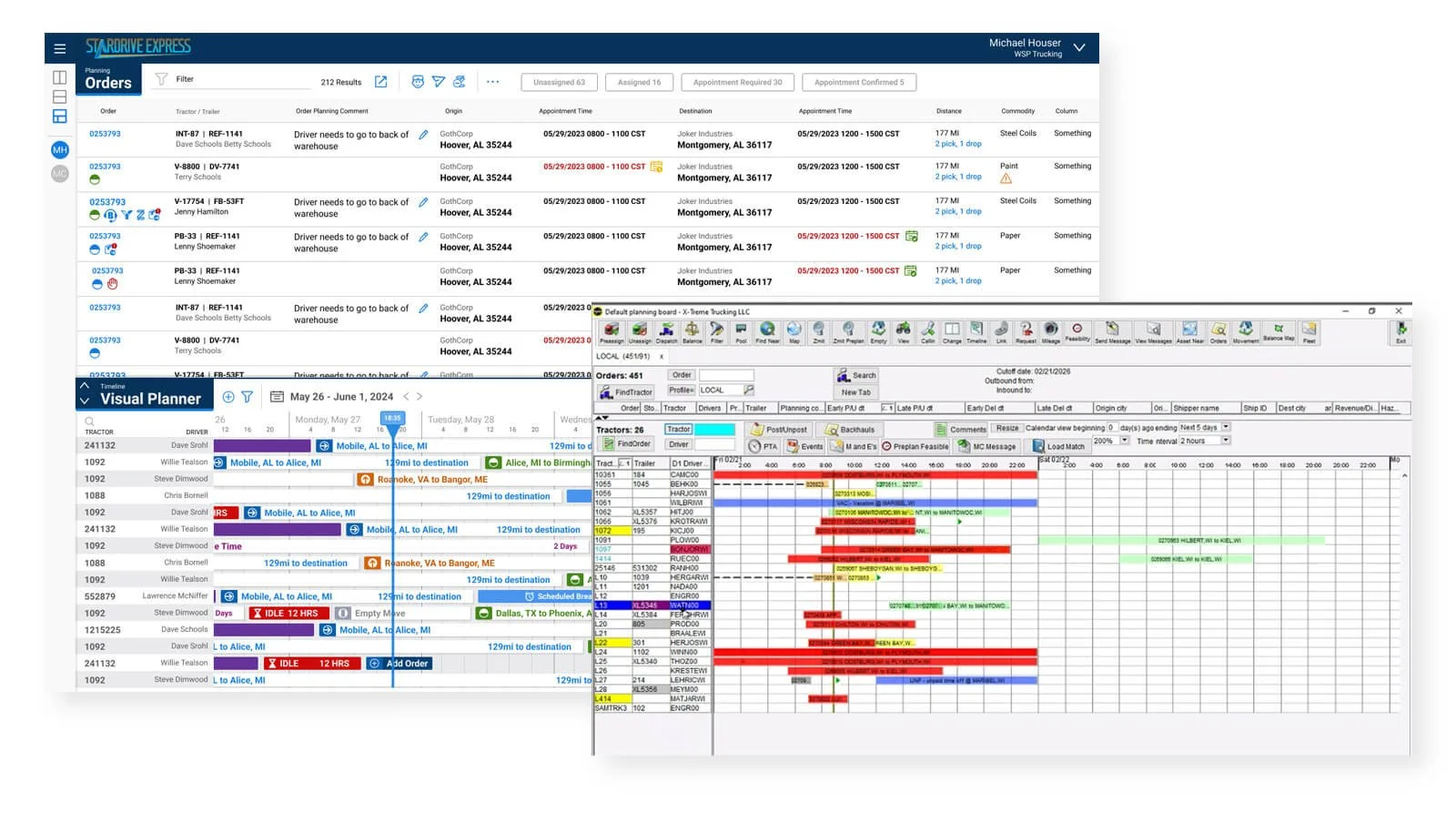
The software I inherited was a Java Swing client — built with the visual language of the 1990s, still running in 2019. For the most powerful TMS in the industry, the experience was punishing. Entering an order meant navigating a screen packed with dozens of input fields, and any action beyond the basics triggered a daisy chain of dialog boxes, each spawning a new window. Dispatching a load meant repeating that pattern across multiple windows with no automation, no guidance, and no sense of what came next.
The system knew everything about freight logistics. It knew nothing about the person sitting in front of it. Going from order entry to carrier match to dispatch — what the industry calls cradle to grave — required weeks of training just to survive the interface.